Account Settings & Security
Manage your Piratify account from the Settings page (gear icon in the sidebar).
Written By Piratify
Last updated 9 months ago
Profile
Display Name: The name shown on your account.
Email: Your login email (managed via Clerk authentication).
IOSS Number: Enter your IOSS registration number for EU-bound shipments.
Account Currency: Your wallet and display currency. Contact support to change it.
Subscription
View your current plan (Matelot, Capitaine, or Amiral), upgrade, or downgrade. Changes take effect immediately.
Security
Password: Change your password or enable two-factor authentication.
Sessions: View and manage active sessions.
Billing
View your billing history, invoices, and payment method on file (managed via Stripe).
Support
Access help resources and contact Piratify support directly from the app.
Anti-Counterfeiting Pledge
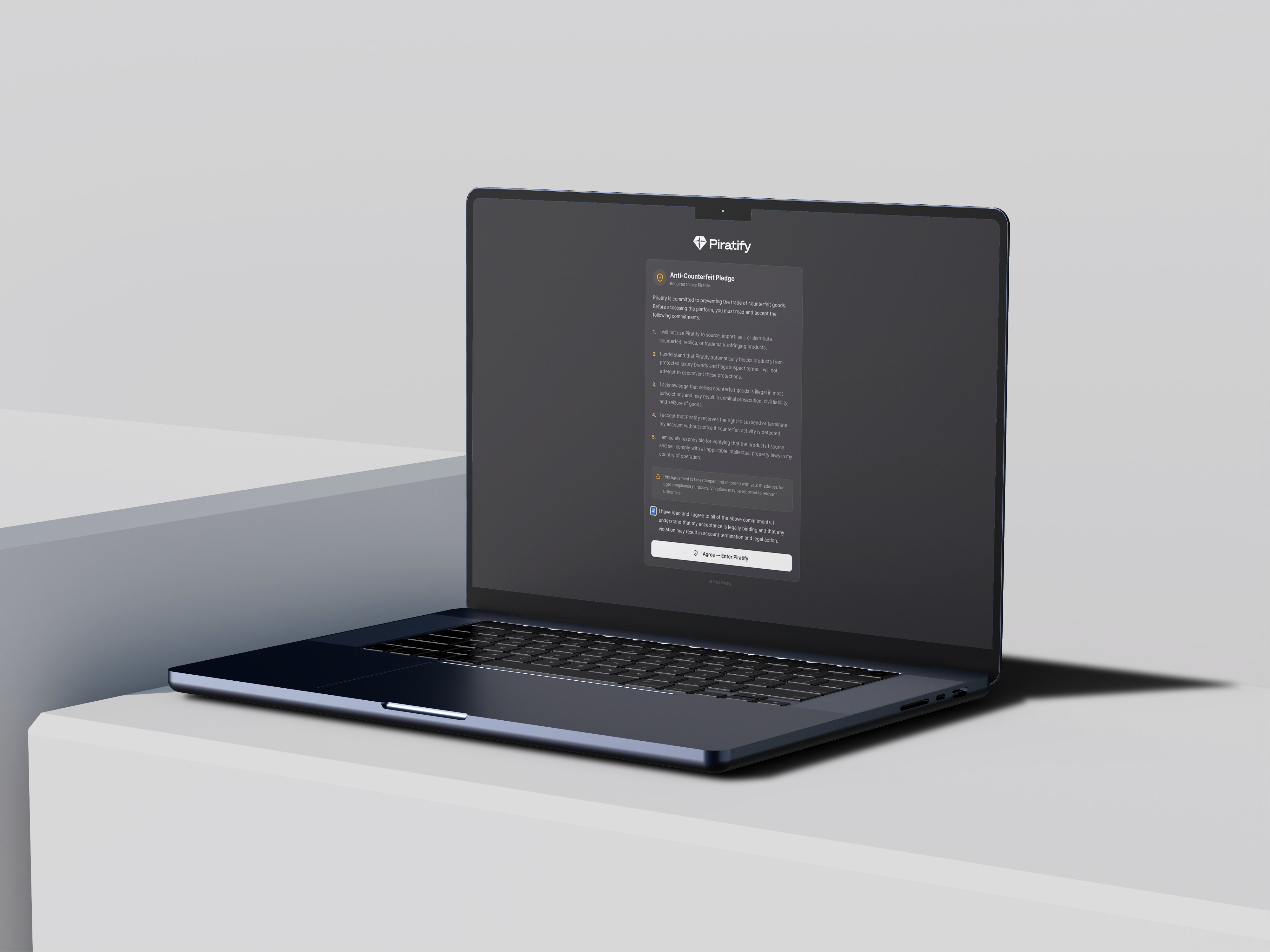
Your pledge status is shown in Settings → Profile. The pledge is signed once and cannot be revoked — it's a commitment to only source and sell legitimate products.
Deleting Your Account
To delete your account, contact support@piratify.io. Please note :
Any remaining wallet balance will be refunded per our refund policy.
Active orders must be completed or cancelled before account deletion.
Your data will be deleted in accordance with our Privacy Policy and GDPR requirements.
Was this helpful?
Still need help? Share an idea